
获取 Ant Messenger 云端同步版客户端
Get Ant Messenger Cloud Sync Edition
云端同步版专为多设备用户打造:多端实时漫游、加密云备份、跨设备无缝切换。下载任意一端,聊天记录与文件都能跟随你全程漫游。
The Cloud Sync edition is built for multi-device users: real-time roaming, encrypted cloud backup, and seamless cross-device switching. Install on any device and your chats and files roam with you.
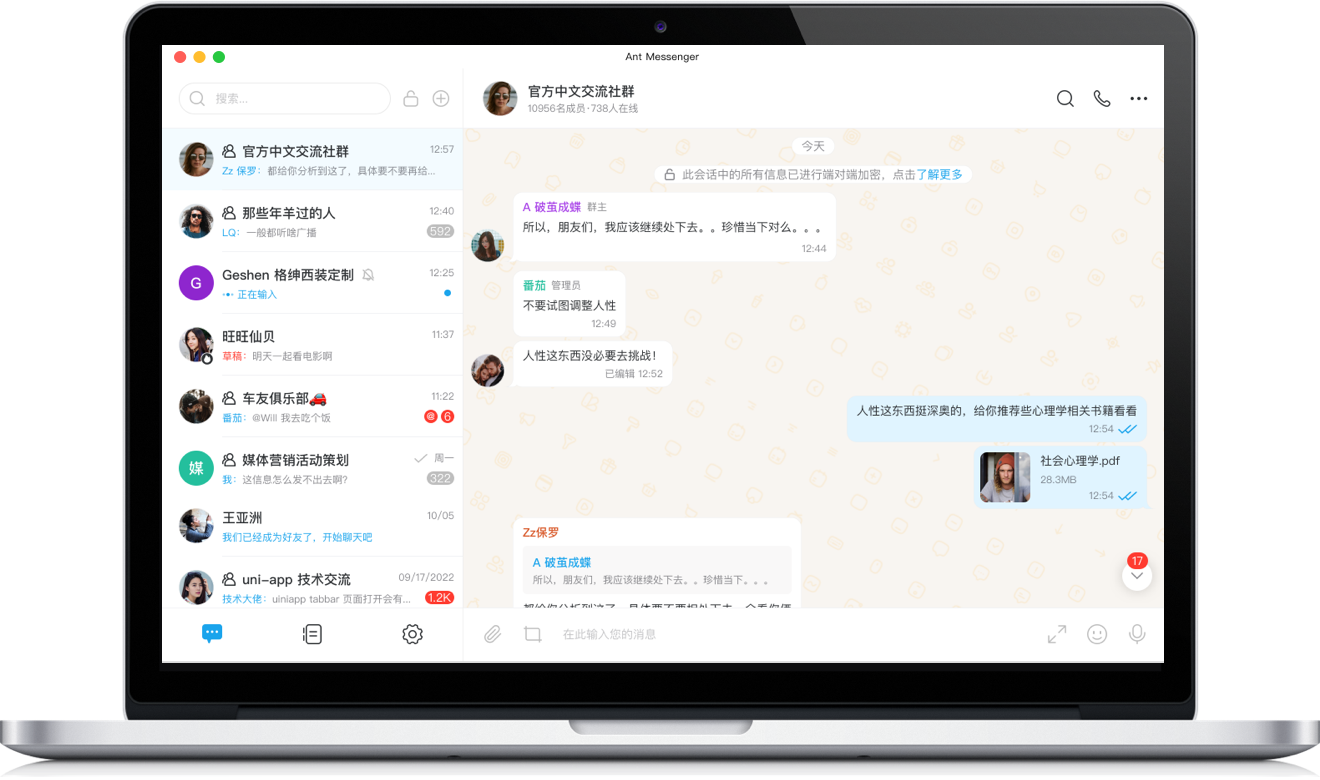
Windows版
Windows
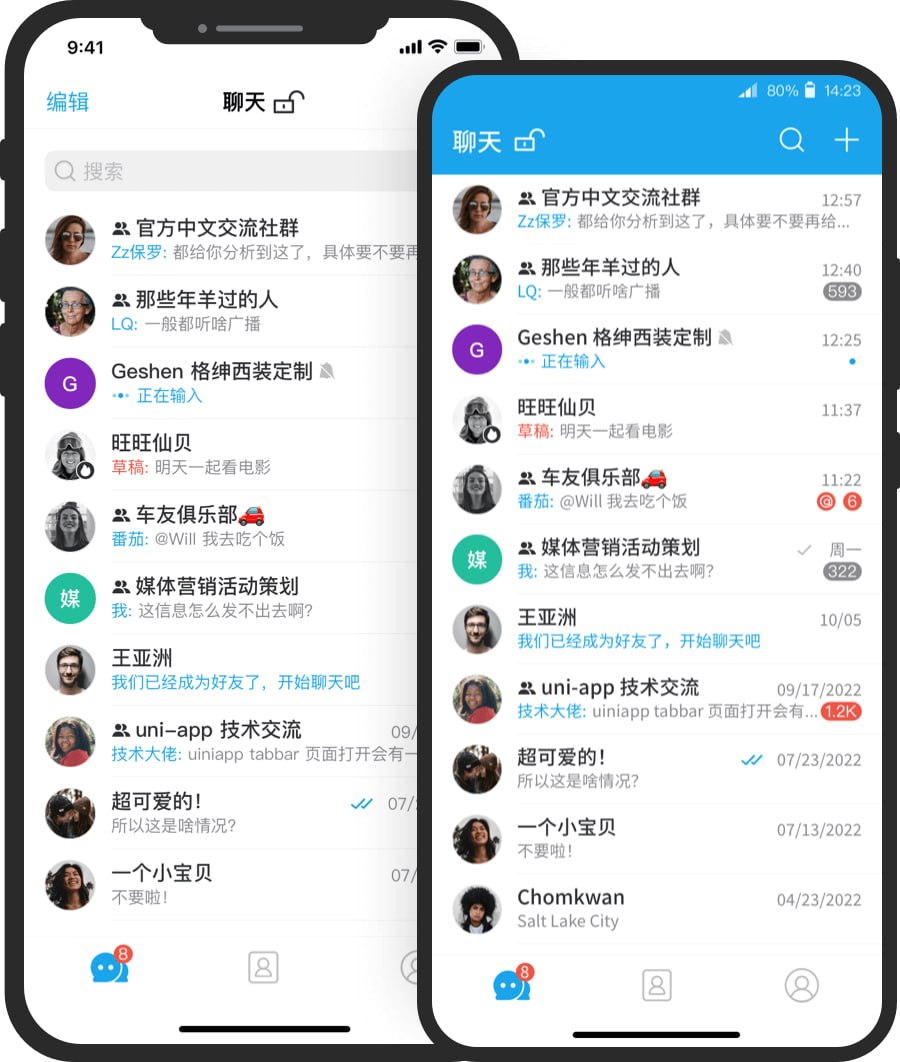
手机版
Mobile
为什么选择云端同步版
Why Choose Cloud Sync Edition?
加密云备份
Encrypted Cloud Backup
聊天记录自动加密备份到云端,密文存储,换机、重装后一键恢复,数据永不丢失。
Chats auto-back up to the cloud in encrypted form, restored in one click after switching or reinstalling — your data never gets lost.
多端实时漫游
Real-time Multi-device Roaming
手机、电脑、平板任意一端收发消息,其他设备毫秒级同步,会话进度原样跟随。
Send and receive on any device — phone, desktop, or tablet — synced in milliseconds with session progress intact everywhere.
跨设备无缝切换
Seamless Cross-device Switch
工作场景自由切换设备,断点续传与文件云端中转,让大文件传输稳定不中断。
Switch devices freely across work scenarios with resumable transfers and cloud file relay keeping large files flowing reliably.
私有云部署
Private Cloud Deployment
数据可部署在企业自有服务器,多端同步同时实现数据主权,轻松满足合规要求。
Deploy data on your own servers to enjoy multi-device sync with full data sovereignty and compliance.
云同步与下载答疑
Cloud Sync & Download FAQ
云备份怎么开启?
How do I enable cloud backup?
登录账号后进入设置中的"云同步",一键开启即可自动将聊天记录加密备份到云端,无需手动操作。
Sign in, open "Cloud Sync" in Settings, and enable it with one tap — your chats auto-back up to the cloud in encrypted form.
多端同步是否安全?
Is multi-device sync secure?
非常安全。同步过程全程使用端到端加密,云端仅存储密文,只有你的设备密钥能解密,服务器无法获知任何内容。
Absolutely. Sync uses end-to-end encryption throughout; the cloud stores only ciphertext readable solely with your device keys — servers can't see anything.
换手机如何迁移数据?
How do I migrate data when switching phones?
在新设备登录同一账号,云端备份会自动恢复全部聊天记录与漫游会话,无需手动导出导入。
Sign into the same account on your new device and cloud backup restores all chats and roaming sessions automatically — no manual export needed.
云存储空间有多大?
How much cloud storage do I get?
基础版提供充足云端空间用于聊天记录与文件中转,满足日常多端使用,需求更大的用户可按需扩展。
The free tier provides ample cloud space for chats and file relay for everyday use, expandable as your needs grow.
能否私有云部署?
Can I deploy on a private cloud?
可以。企业或个人可将服务部署在自己的服务器,数据自主管理、全程密文存储,实现真正意义上的数据主权。
Yes. Deploy the service on your own servers for fully managed, encrypted-at-rest data — true data sovereignty for you or your business.